Centralized control
Lighting, climate, audio, video, locks and compatible connected devices can be organized into a consistent interface.
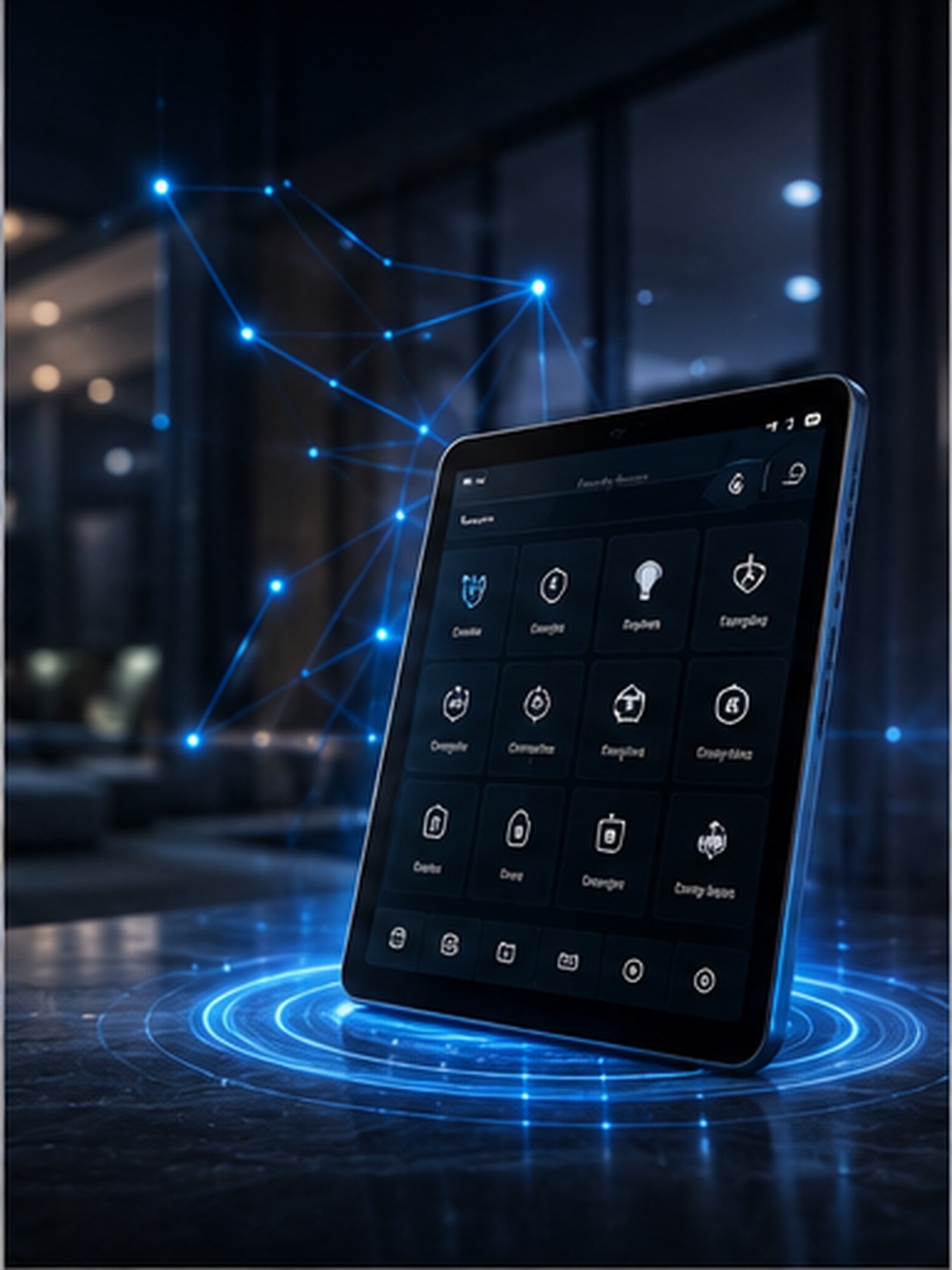
Lighting, climate, security, entertainment and everyday routines can be coordinated through a single professionally integrated control layer.
Control4 automation is about replacing a collection of disconnected apps, remotes and switches with one coordinated experience. Instead of thinking about individual devices, the homeowner can think in terms of rooms, activities and scenes: arriving home, entertaining, watching a movie, going to bed or leaving for the day.
Lighting, climate, audio, video, locks and compatible connected devices can be organized into a consistent interface.
Multiple actions can be grouped into a single command so the home changes state predictably instead of device by device.
The interface, rooms, schedules and automations are commissioned around the way the household actually uses the space.
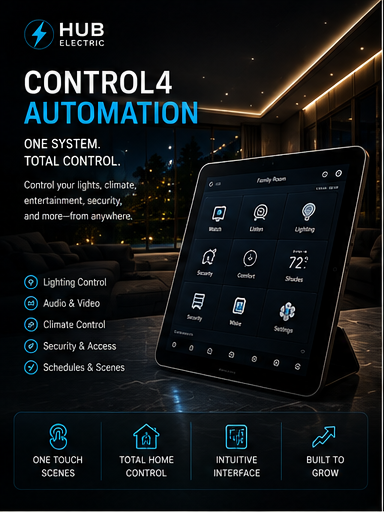
A professionally programmed Control4 system provides a common control layer above the home’s compatible subsystems. Wall keypads, touchscreens, handheld remotes and mobile devices can be configured so the same logic follows you from room to room.
A scene can adjust several systems at once. A “Goodnight” command might turn off selected lights, lower temperature setpoints, secure compatible doors and prepare audio/video equipment for standby. The result is fewer repetitive actions and a home that behaves consistently.
Good automation should not make the house feel complicated. Physical controls remain intuitive while advanced functions stay available when needed. The technology becomes part of the architecture rather than a collection of gadgets.
Professional integration is a sequence: design the infrastructure first, install it cleanly, then configure and test the finished system under real operating conditions.
The process starts with the rooms, devices and experiences the homeowner wants. Power, structured cabling, network capacity, equipment locations, low-voltage pathways and future expansion are considered before programming begins.
Controllers, network hardware, dimmers, keypads, AV components and compatible devices are installed and labeled. Equipment is organized so service access remains practical and the system can be expanded later.
Scenes, schedules, room logic, user interfaces and remote-access functions are programmed, then tested in the actual home. Final commissioning focuses on reliability, response time and making the controls understandable for everyone in the household.
The value is not a flashy touchscreen. It is the reduction of friction. One coordinated system means fewer remotes, fewer apps, more predictable routines and a cleaner path for future technology. For new construction and major renovations, integrating automation with the electrical and network design also avoids the compromise of trying to retrofit infrastructure after finishes are complete.
DISCUSS YOUR PROJECT ↗