Remote visibility
Supported equipment can report health and connectivity information that helps narrow down where a problem is occurring.

Remote-management tools give the integrator visibility into supported network and smart-home equipment so many routine issues can be diagnosed without entering the home.
Connected homes contain routers, switches, access points, controllers, AV components and other networked equipment. Remote management provides a support layer that can help an integrator see whether supported devices are online, investigate common connectivity issues and perform certain maintenance actions without immediately scheduling an on-site visit.
Supported equipment can report health and connectivity information that helps narrow down where a problem is occurring.
Basic diagnostic steps can often be performed remotely, reducing the time spent identifying whether the issue is internet service, networking, power or an individual device.
When the system exposes useful status information, recurring or emerging issues can be identified earlier and documented more effectively.
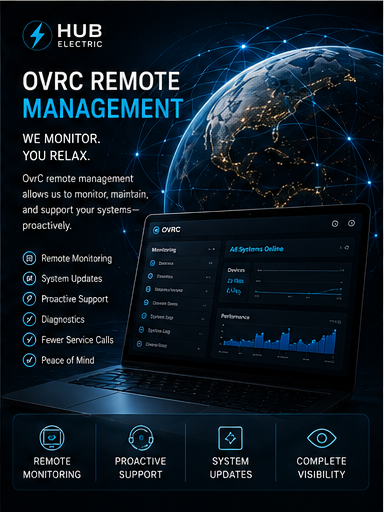
Instead of describing blinking lights over the phone, the integrator may be able to see the status of supported equipment and start troubleshooting with real information.
Some recoverable faults can be addressed remotely, while issues that truly require a technician arrive on-site with better diagnostic context.
Remote management turns the installation into an ongoing serviceable system rather than a black box that can only be inspected in person.
Professional integration is a sequence: design the infrastructure first, install it cleanly, then configure and test the finished system under real operating conditions.
Remote support works best when the network, power distribution and connected equipment are organized, documented and compatible with the management platform.
Applicable devices are added to the remote-management environment and labeled so their location and function are immediately clear to the integrator.
Remote visibility is tested, notification preferences are established where appropriate and the homeowner is shown what can be handled remotely versus what still requires an on-site service visit.
As homes become more dependent on networking and automation, the ability to diagnose systems quickly becomes part of the ownership experience. Remote management can shorten downtime, improve communication and make ongoing support more efficient—especially when the home contains multiple integrated subsystems.
DISCUSS YOUR PROJECT ↗